

Computing / Buying guide
Choosing a laptop for work and daily use
Match screen, keyboard, battery and ports to your actual routine before paying for more performance.
 2 min read

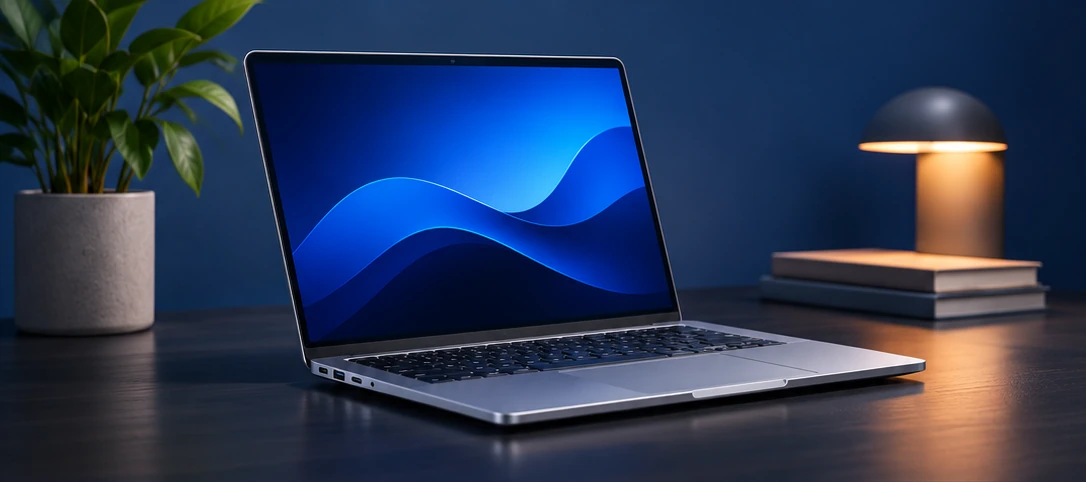
Map a typical workday
Write down the apps you use together and the largest files you open on a normal day. A day built around documents and calls has different demands from exporting video or running virtual machines. Look up the requirements for the apps you depend on and compare the configuration you intend to buy. Model families sometimes include different displays, storage and memory.
Read the screen before the specification sheet
Think about where you sit and how long you read. A bigger display gives a spreadsheet more breathing room, but the extra footprint follows you onto a train table or into a small bag. Try your usual text size and check the screen under the kind of light you work in. Spend a few minutes typing a real paragraph and using the trackpad.
Count the accessories you already own
Check your monitor, charging cable, storage drives and headset against the laptop’s exact ports and documented display support. Budget for a dock or adapter if you need one. If you travel regularly, include the charger when comparing weight. Battery comparisons are easier to interpret when the test workload and screen brightness are reported.
Pros
- A compact computer is easier to carry between desks.
- A well-matched screen and keyboard improve tasks you do every day.
Cons
- Smaller designs may require adapters for desk accessories.
- Configuration changes can alter the value of an otherwise similar model.
Who it suits
Students, remote workers and households shopping for a daily-use computer.
Conclusion
Compare the exact configurations that support your apps and accessories. Use typing comfort, carry weight and battery evidence as the tiebreakers.

AI-generated illustrations show the product category.